Best File Encryption Software for Windows 10 and Windows 11
Looking for the best folder protection and file encryption software for Windows? Secure Folder is the ultimate security solution for Windows 10 and Windows 11 users who need to protect sensitive files and folders from unauthorized access.
Windows Folder Protection - Secure Your Folders with Password
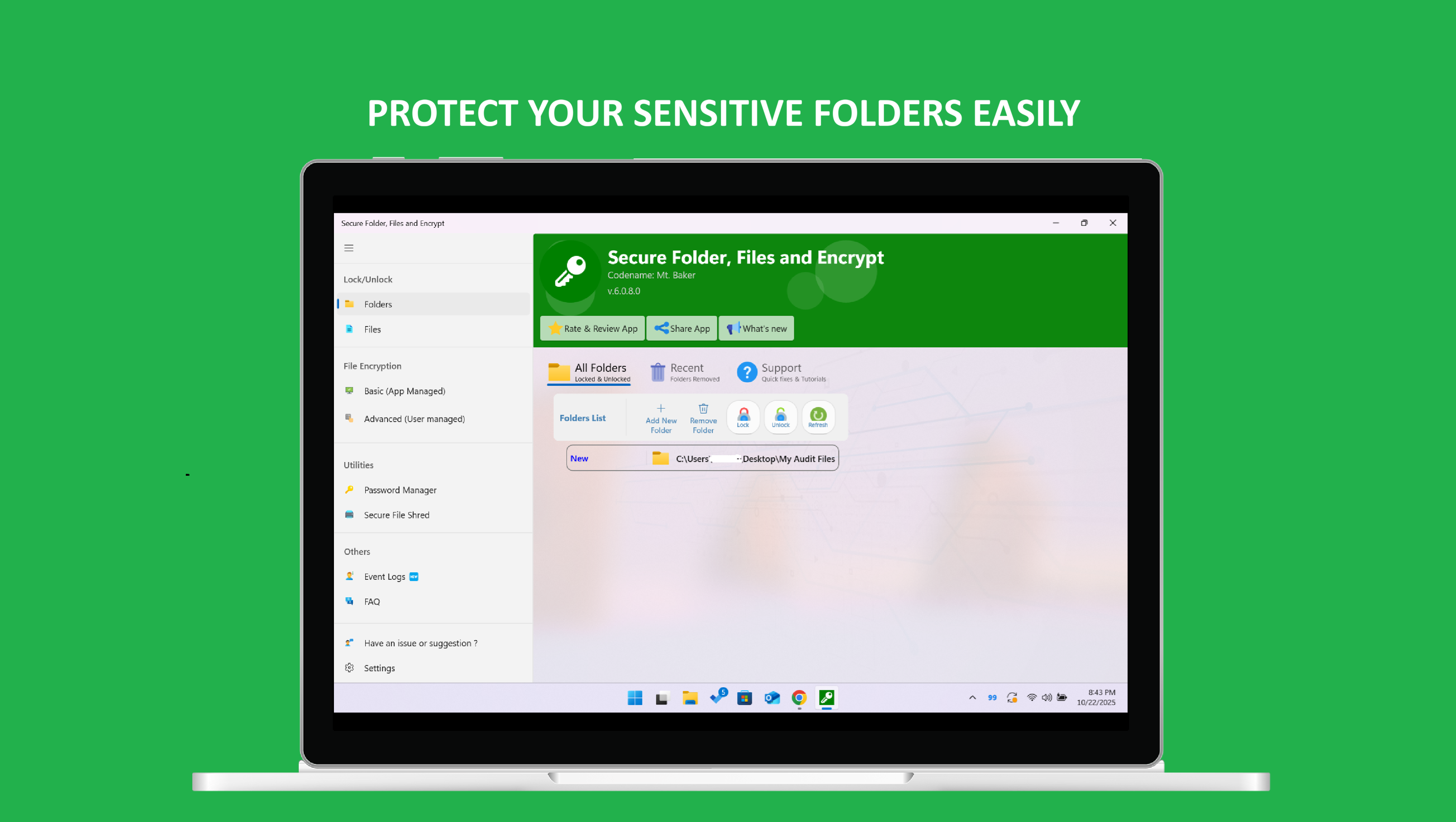
Need to lock folders on Windows? Secure Folder provides powerful folder locking capabilities that let you password protect folders and hide folders from prying eyes. Whether you need to lock folder with password on Windows 10 or Windows 11, our folder protection software makes it easy to secure your private files.
Protect Folders and Files on Windows
Protect folder contents with military-grade encryption. Our folder protection software offers comprehensive folder security, allowing you to hide folder, encrypt folder, and lock files on Windows with just a few clicks. Keep your sensitive data safe with the best folder security software available on Microsoft Store.
Why Choose Secure Folder for Windows File Security?
Secure Folder is a comprehensive file security application available on the Microsoft Store that combines multiple security features into one easy-to-use interface. Whether you need to lock folders, encrypt files, manage passwords, or securely delete sensitive data, Secure Folder has you covered.
Key Features of Secure Folder:
- Windows Folder Locking - Lock folders with password protection to prevent unauthorized access
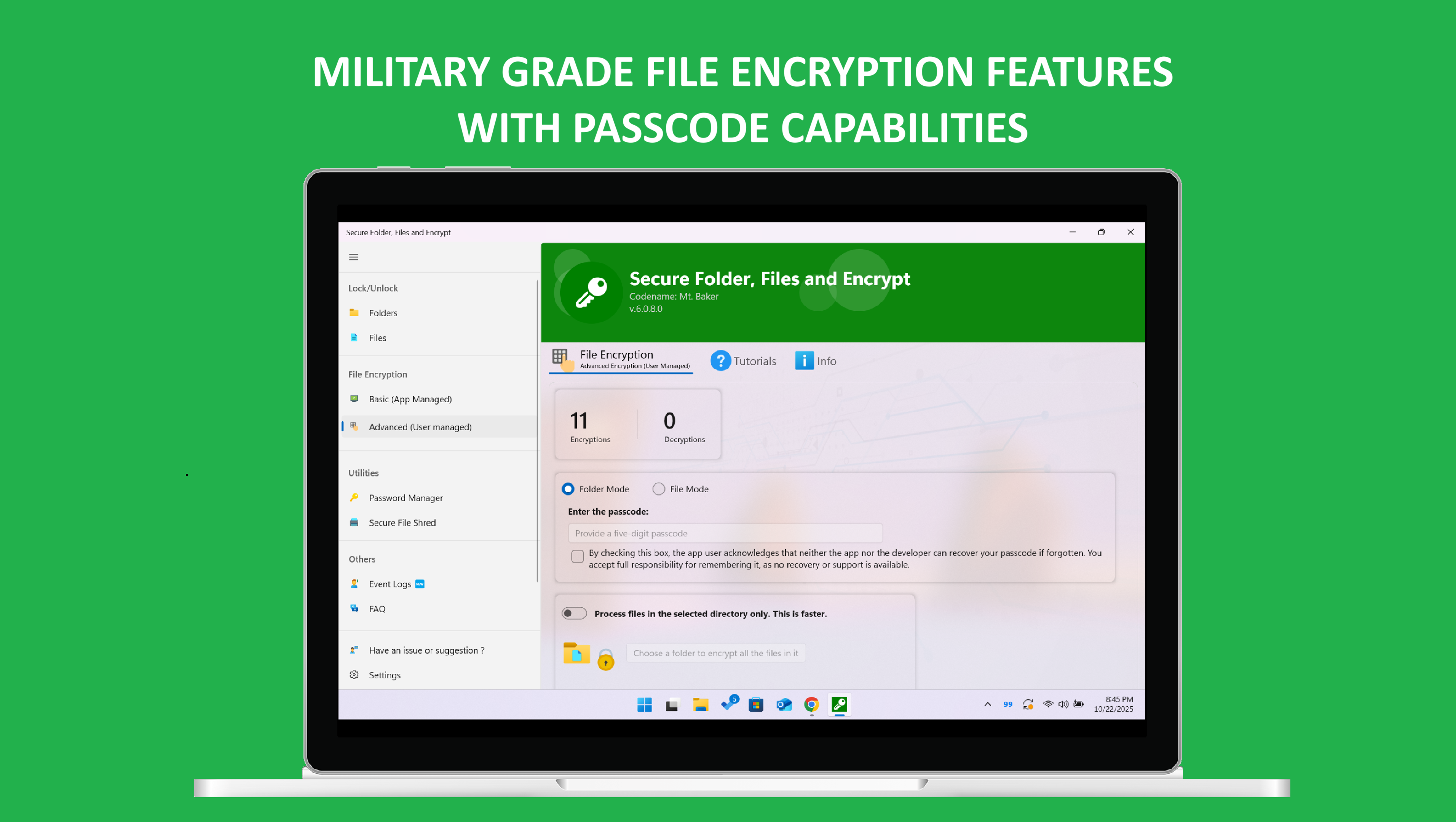
- File Encryption - Encrypt individual files with AES encryption algorithms
- Folder Protection - Password protect folder and hide folder from others
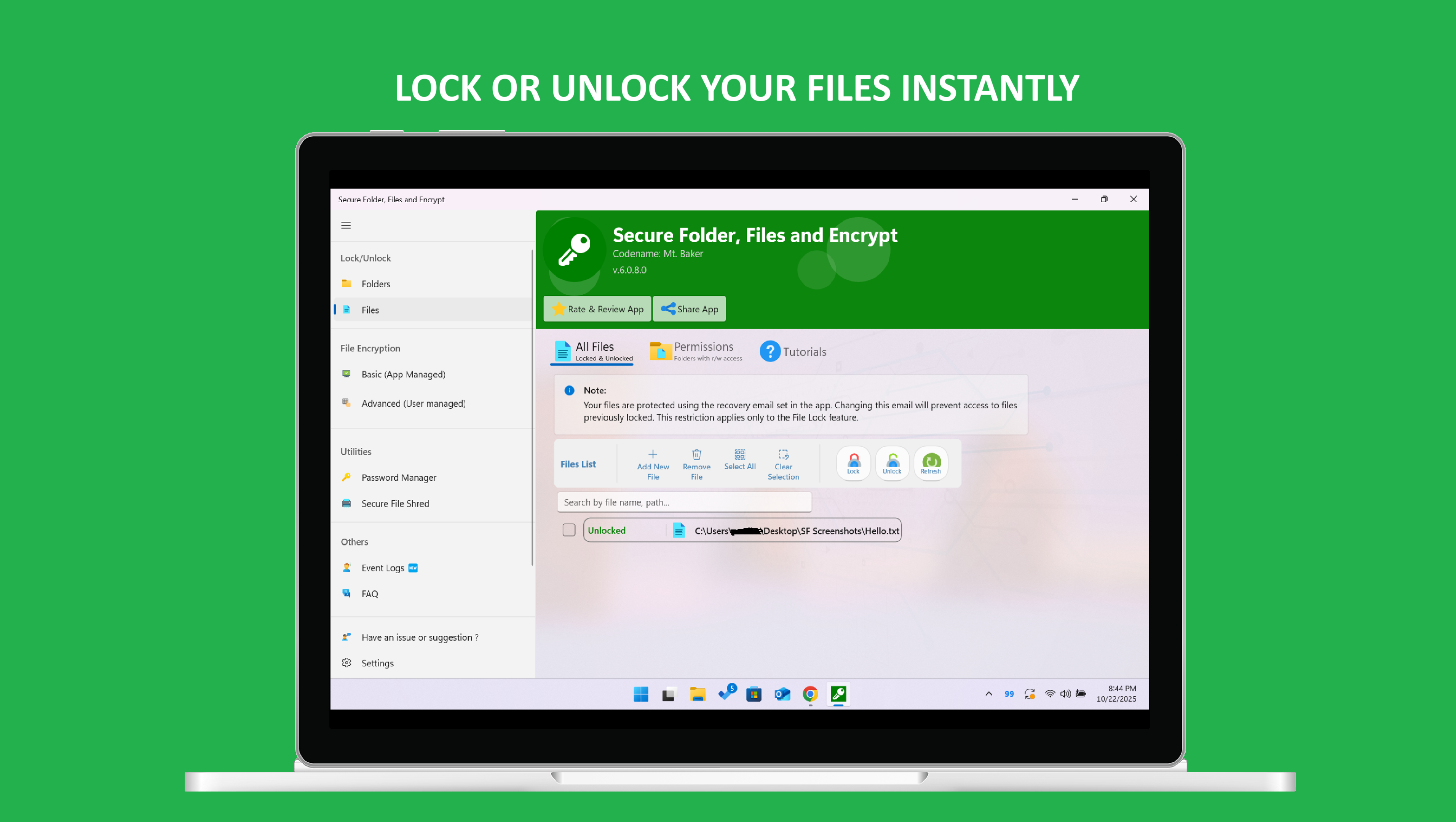
- File Security - Lock files on Windows and secure your private documents
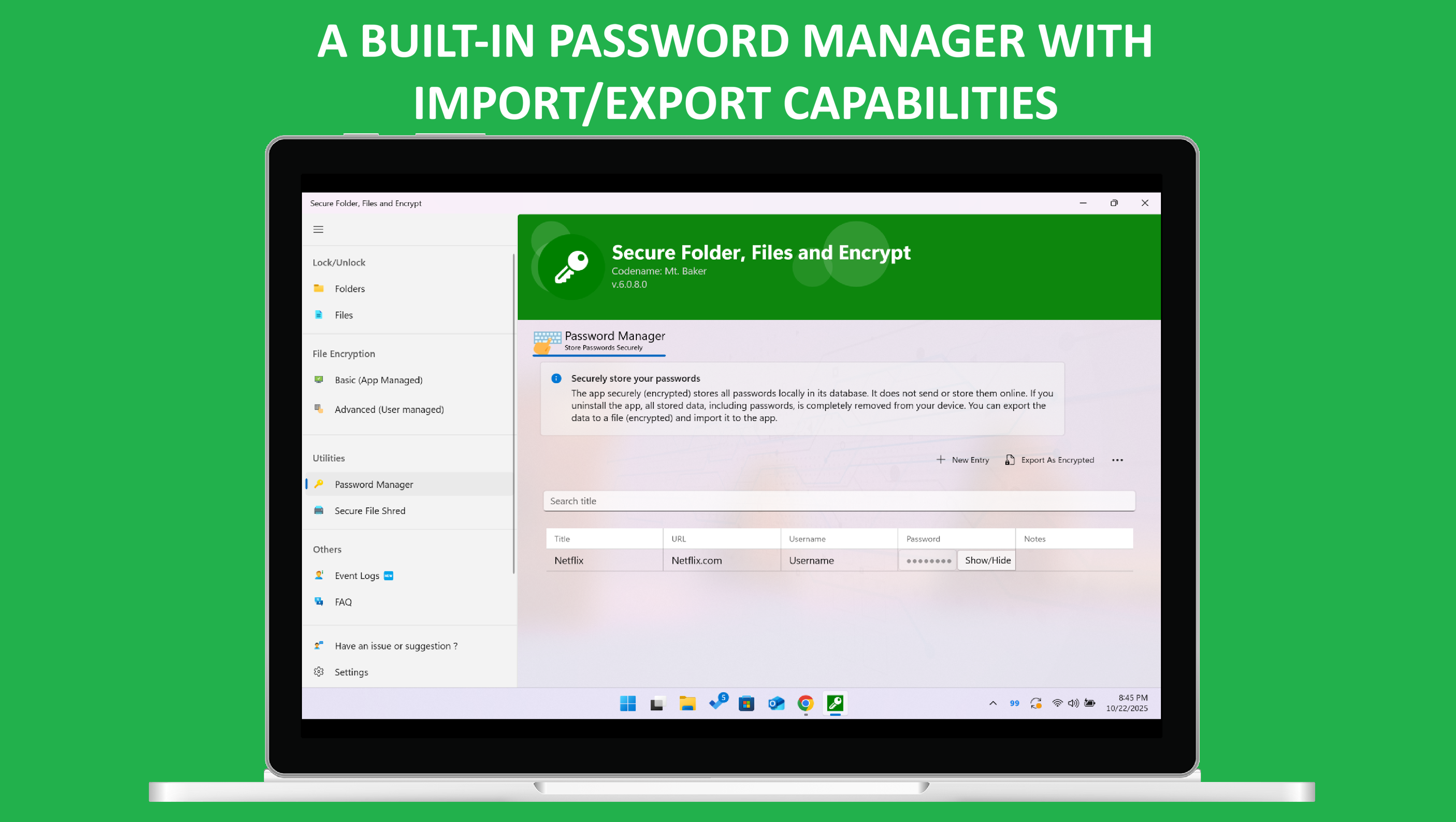
- Password Manager - Store and manage all your passwords securely in one place
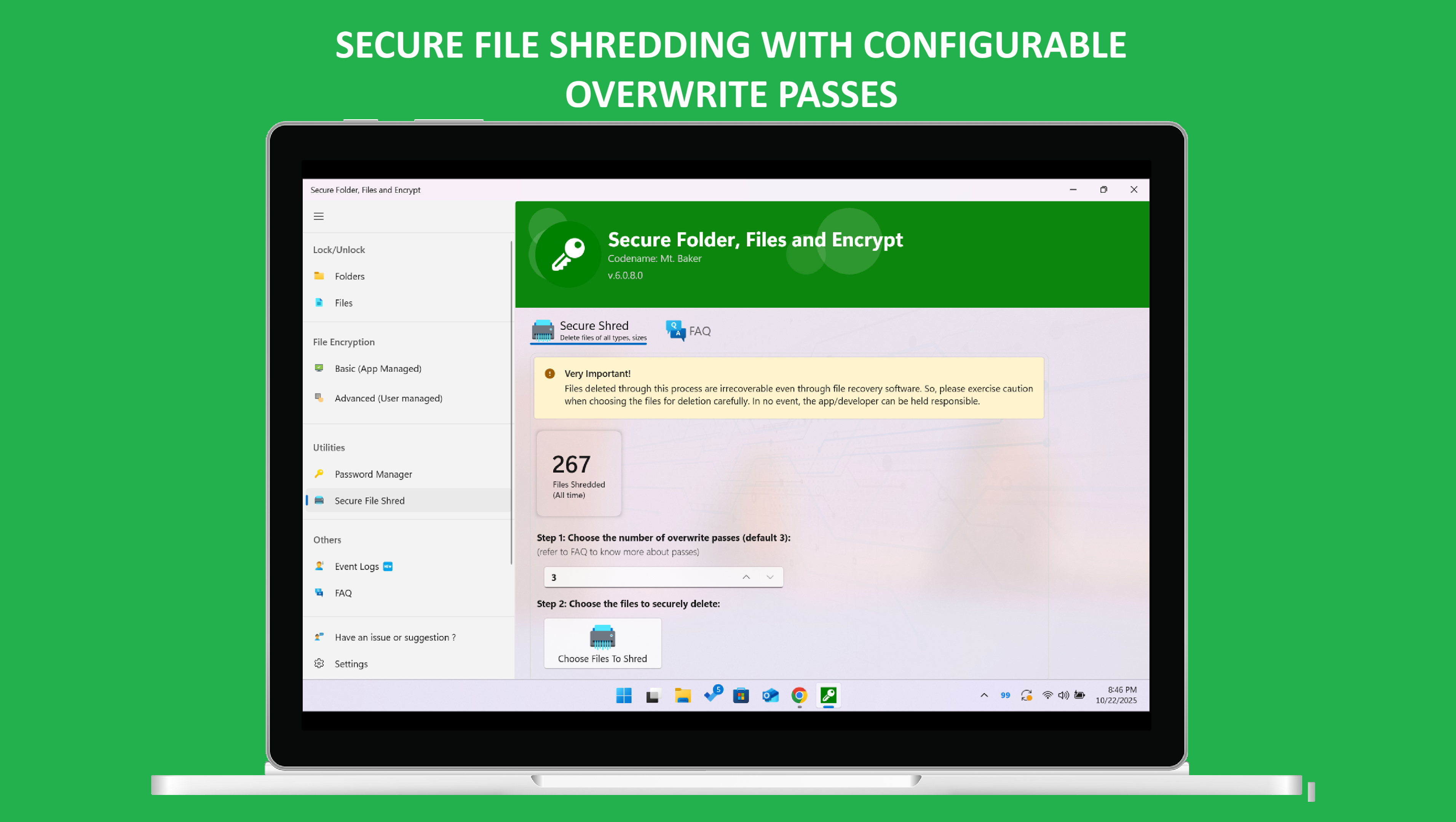
- Secure File Shredder - Permanently delete files beyond recovery
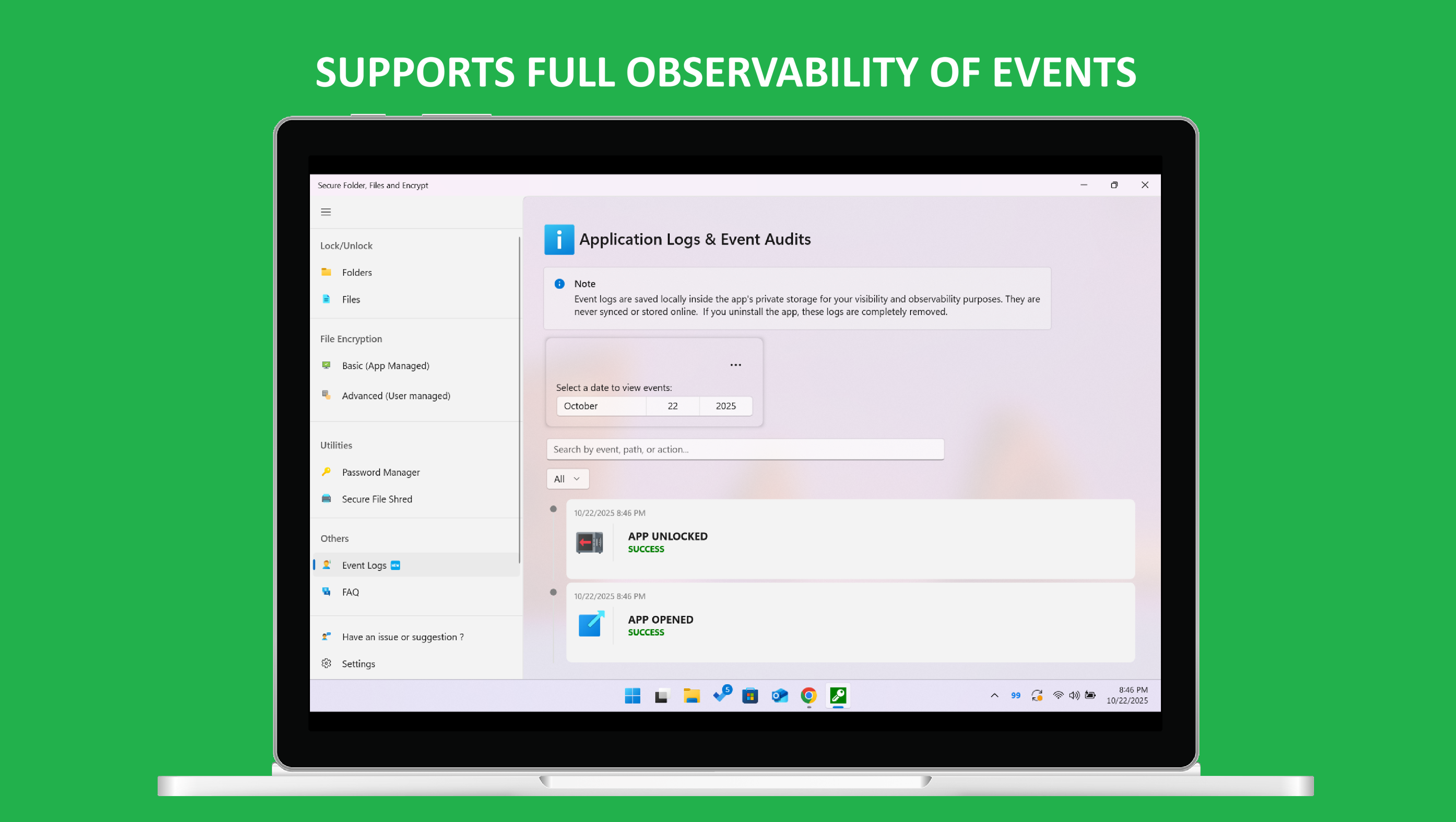
- Application Logs - Full visibility and audit trail of all security actions
- Windows 10/11 Native Integration - Seamlessly works with Windows operating system
- Private Folder - Create private folders that are hidden and encrypted
- Folder Security - Best folder protection software for Windows users
How to Protect Folders on Windows 10 and Windows 11
With Secure Folder, you can easily lock folders on Windows in just a few steps. Simply select the folder you want to protect, set a password, and your folder is secured. Our folder protection software provides instant folder security and file privacy for all your sensitive data.
Download Secure Folder from Microsoft Store
Get Secure Folder today from the official Microsoft Store. Free version available with premium features. Compatible with Windows 10 and Windows 11. Protect your privacy, secure your files, and keep your data safe with military-grade encryption.
Popular Search Terms:
lock folders, windows folder protection, folder protect, protect folder, file encryption software, secure folder windows 10, secure folder windows 11, password protect folder, hide folder, folder locker, file locker, encrypt files windows, lock folder with password, data protection software, privacy app, microsoft store security app, file security windows, folder protection software, lock files windows, private folder, folder security, secure files, file privacy, folder encryption, encrypt folder, how to protect folders, best folder protection software, folder security software windows 10, folder security software windows 11, lock folders windows, password protect folders